
July 22, 2026
How many WordPress plugins is too many? Why every plugin has to earn its place
WordPress plugins are fantastic — and an effective way to turn a simple site into a digital patchwork quilt. The question is not how many, but whether each plugin can be justified.

WordPress plugins are fantastic. They are also one of the most effective ways to turn a simple website into a digital patchwork quilt where no one dares press “Update” any more.
It usually begins quite innocently.
You need a contact form, so you install a plugin. You want a cookie box, so you install one more. Then comes SEO, security, backup, image optimisation, caching, redirects, statistics, social media, reviews, popups, and a plugin that can hide the notices from the other plugins.
Suddenly there are 38 plugins in the control panel.
Nine of them want to sell you a Pro version. Four show red warnings. Two have not been updated in years. And nobody quite knows what plugin number 27 does, but the site broke the last time someone deactivated it.
This does not mean WordPress plugins are bad. On the contrary, plugins are one of the most important reasons WordPress is so flexible. The problem arises when plugins are installed as spontaneous answers to every little need, without anyone assessing the solution as a whole.
A plugin is not just a new button in the control panel. It is extra code, a new dependency, and one more thing that has to work together with the rest of the website.
So the question should not be:
“How many plugins may a WordPress site have?”
The better question is:
“Can we explain why every single plugin is installed?”
The number alone does not tell the whole story
There is no magic number where a WordPress site suddenly becomes bad.
A site with 25 well-run, specialised plugins can work better than a site with five heavy plugins trying to solve everything from SEO and statistics to security and morning coffee.
Some plugins consist of a few lines of code and do one simple job. Others are practically complete software systems with their own databases, background processes, user roles, integrations, and hundreds of settings.
So it makes no sense to say that 10 plugins is always fine while 20 is always too many.
But there is still a clear relationship:
The more components you add, the more components have to be maintained, updated, tested, and debugged.
It is a bit like asking how many electrical appliances you may have in a kitchen. It depends on the appliances, of course. But if you have three air fryers, two toasters, and an old blender no one dares switch on, it might be time to tidy up.
A plugin is code, not decoration
When you install a plugin, you give it the ability to run code on your website.
Depending on its function, it can gain access to the database, the users, the orders, files, emails, payments, or the administration. It can add JavaScript and CSS to visitors’ browsers, create scheduled tasks, and communicate with external services.
This does not mean you should be afraid of plugins.
It means installation should be a technical decision — not the digital equivalent of an impulse buy at the checkout.
A plugin should be assessed like any other software:
- Who is behind it?
- Is it maintained?
- Is it compatible with the current WordPress version?
- Does it have a good reputation?
- Is the documentation decent?
- Does the company have a realistic business model?
- What happens if the plugin disappears or changes its price?
- Does it have access to more than the function requires?
“It had five stars” is a fine starting point. It is just not a complete security and operations strategy.
1. More plugins can make the site slower
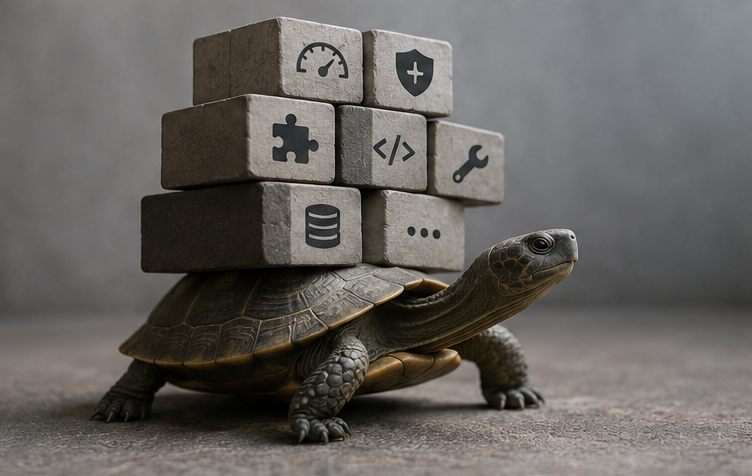
Not all plugins affect speed noticeably. But many plugins add work that has to be done every time a page is shown.
That can include:
- extra database queries
- more JavaScript files
- more CSS files
- calls to external services
- background tasks and scheduled jobs
- large amounts of data loaded automatically
- features that run on every page even though they are only used in one place
A booking system naturally has to do more than a plugin that changes the text in the footer. The problem arises when several plugins each add a little extra load and no one looks at the whole.
One plugin loads a font. Another loads icons. A third loads its own design system. A fourth adds a popup that only appears after 30 seconds but still loads from the very first second.
In the end the front page has more baggage than a family on a package holiday.
It is also not always the plugin with the most features that is the problem. A single poorly built plugin can be worse than ten good ones. So performance should be measured, not guessed.
But fewer unnecessary plugins almost always makes the work easier.
2. Every plugin widens the attack surface
WordPress itself is continuously maintained and security-updated. The same is true of many serious plugins. But every new component is one more place where a vulnerability could potentially arise.
The more plugins, the more vendors the website depends on.
If a plugin is not updated, is no longer supported, or is taken over by a less responsible owner, it can become a problem. The same applies to plugins downloaded from random websites, old premium plugins without a valid licence, or so-called nulled versions.
A free copy of a paid plugin from an obscure forum is not a good deal. It is more like finding a free USB stick in a car park and plugging it straight into the company server.
Security is therefore not only about installing a security plugin.
It is about reducing unnecessary code, keeping the necessary parts updated, and knowing who is responsible.
A security plugin can be relevant. But it cannot turn 17 outdated plugins, an old theme, and the password “Summer2023!” into a robust solution.
3. Plugins can conflict with each other
WordPress typically consists of WordPress itself, a theme, a hosting platform, and a collection of plugins from different developers.
They all have to work together.
Usually they do. Until they do not.
One plugin changes the way scripts are loaded. Another tries to optimise the same scripts. A third depends on a particular order. The result can be a form that no longer sends, a basket that does not update, or a button that only works on Tuesdays with a tailwind.
Conflicts can also arise after an update. Not necessarily because the update is bad, but because a combination of components hits a situation none of the developers tested.
The more plugins and integrations a site has, the more combinations exist.
That makes debugging harder. When something goes wrong, you have to work out:
- Is it WordPress?
- Is it the theme?
- Is it the PHP version?
- Is it plugin A?
- Is it plugin B?
- Is it the combination of A and B?
- Or is it the cache showing an old version of the problem?
This is where “let’s just install one more plugin” often turns into three hours of debugging on a Friday afternoon.
4. More plugins means more maintenance
A plugin does not only have to be installed. It also has to be looked after.
That includes:
- updates
- licences
- compatibility testing
- backup before larger changes
- checking for errors and warnings
- following up on changed features
- reviewing new terms and prices
- testing after updates
If the site is a webshop, a booking site, or another business-critical solution, updates should not just be done with your eyes closed on the live site.
There should be a backup, a way to restore, and ideally a test environment for larger changes.
As the number of plugins grows, so does the maintenance. Not necessarily in a straight line, because plugins affect one another.
It is a bit like a meeting with many participants. Ten people do not just give ten opinions. They also give an impressive number of possible misunderstandings.
5. Features often overlap
A classic on older WordPress sites is several plugins solving almost the same job.
For example, there might be:
- two caching plugins
- several image-optimisation plugins
- an SEO plugin and a separate redirect plugin, even though the SEO plugin can already handle redirects
- several security plugins monitoring the same events
- a page-builder plugin plus a collection of add-ons where only one widget is used
- a statistics plugin on top of an external statistics platform
- a plugin for features the theme or hosting already provides
The overlap does not necessarily give twice the effect.
Two caching plugins rarely make the site twice as fast. They can instead make it twice as unclear which cache needs clearing.
The same goes for security. Several security plugins can create false comfort, conflicts, and unnecessary resource use if no one knows how they are configured.
Before a new plugin is installed, you should therefore check whether the function already exists.
It sounds obvious. It is. But many plugin lists tell the story of five years of small workarounds, done by different people, each of whom did something that made sense on the day.
6. Deactivated is not the same as tidied up
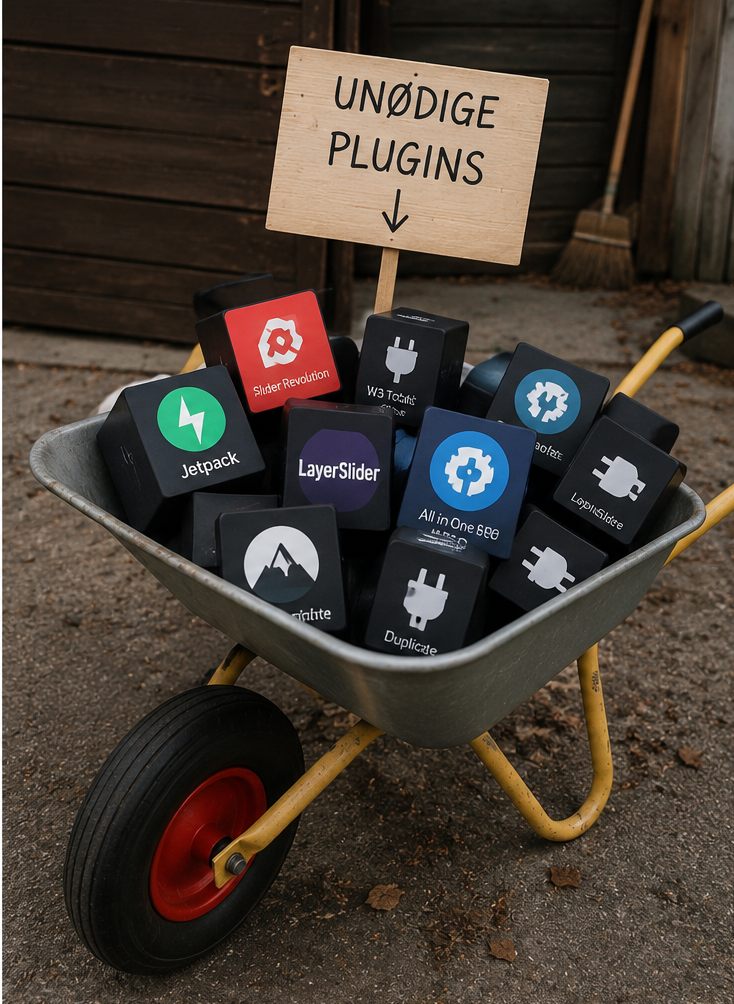
Many WordPress sites have a small graveyard of deactivated plugins.
They were tested. They did not quite work. Maybe they were replaced. But no one dared delete them, because “we might need them”.
It is like keeping all your old printer drivers because the company might one day buy the same printer again.
Deactivated plugins normally do not run their usual functions. But the files still sit on the server, and depending on the vulnerability, old code can still be relevant from a security perspective. They also create noise and make it harder to understand what the site actually uses.
A plugin that is not needed should, as a rule, be deleted.
But first you have to check whether deleting it removes data or affects content. Some plugins clean up nicely after themselves. Others leave tables, settings, shortcodes, and little digital fossils in the database.
“Delete” is a button. Cleanup is a process.
7. Plugin subscriptions also become an operating cost
Many professional plugins require an annual licence. That is entirely reasonable. Development, support, and security updates cost money.
The problem arises when the business has no overview of the subscriptions.
One plugin cost DKK 399 the first year. Another DKK 799. A third came with an agency subscription that was later cancelled. Suddenly no one can update it, because the licence belonged to a previous supplier.
It is not necessarily the amount itself that is the problem.
It is the lack of ownership.
The business should know:
- Which plugins require a licence?
- Who owns the account?
- Which email address is the licence registered to?
- When does it renew?
- What do we lose if we do not renew?
- Can the data be exported?
- Is the plugin critical to sales or just convenient?
A plugin should not be an unknown fixed expense that is only discovered when a feature stops working.
The most dangerous sentence: “There’s probably a plugin for that”
There is probably a plugin for almost everything.
That does not mean it should be installed.
If a task is very small, it can sometimes be solved more reliably with a few lines of code in a small, controlled custom plugin. If the need is already covered by WordPress, the theme, or the hosting, an extra plugin is redundant.
Conversely, you should not custom-build everything just to avoid plugins.
A well-tested plugin for forms, e-commerce, multilingual sites, or SEO can be far safer and cheaper than a homemade solution. There is no prize for reinventing a contact form from scratch.
The right choice depends on the need.
A standard plugin often makes sense when:
- the problem is common
- the plugin is well documented and actively maintained
- many others use and test the solution
- the feature is extensive
- it is important to be able to switch supplier or developer
- the price is reasonable relative to the value
A custom solution can make sense when:
- the feature is small and very specific
- a large plugin is only installed for one simple detail
- the business’s workflow is unique
- standard plugins require many workarounds
- close integration with other systems is needed
- the solution can be kept simple, documented, and maintainable
Custom-built does not automatically mean better either. Bad custom code is still bad code — just with the company’s own name on it.
So how many plugins should your site have?
As few as possible.
And as many as necessary.
It may sound like a classic consultant’s answer, but it is the most honest conclusion.
A simple business site can often manage with relatively few plugins. A webshop with payment, shipping, stock, languages, product filters, and integrations will naturally have more.
The goal should not be to hit a particular number.
The goal should be that every plugin:
- solves a concrete, current need
- comes from a trustworthy supplier
- is maintained and updated
- does not overlap unnecessarily with other plugins
- has a clear owner and licence
- can be tested after updates
- does not burden the site unreasonably
- can be removed or replaced without the whole solution collapsing
When no one can explain why a plugin is there, that is a good sign it should be investigated.
How to review your WordPress plugins
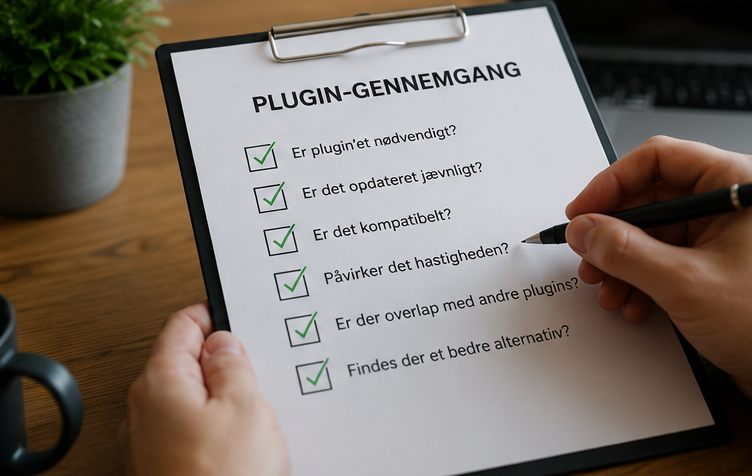
A plugin review does not have to begin with a big technical analysis. Start by opening the plugin list and asking a few simple questions about each plugin.
1. What does it do?
Write the function down in plain words.
“WP Super Amazing Toolkit Pro” is not an explanation. “Compresses images on upload” is.
2. Do we use the feature?
A plugin can be active without being in practical use. Maybe it was installed for a campaign, an old form, or a layout that no longer exists.
3. Does the feature already exist somewhere else?
Check the theme, the hosting, and the other plugins. Caching, security, backup, statistics, and optimisation in particular often overlap.
4. Is the plugin maintained?
Look at updates, documentation, and compatibility. A plugin does not have to be updated every week, but prolonged silence should be investigated.
5. What happens if we deactivate it?
Test on a staging environment — not directly on the live site five minutes before closing time.
Check pages, forms, checkout, emails, integrations, and administration. Some dependencies only become visible when something is missing.
6. Does it leave data behind?
Check whether the plugin creates shortcodes, tables, users, files, or settings. Make a backup before you clean up.
7. Who is responsible?
A business-critical plugin needs an owner. Someone has to know the licence, follow the updates, and know what needs testing.
A good plugin list is boring
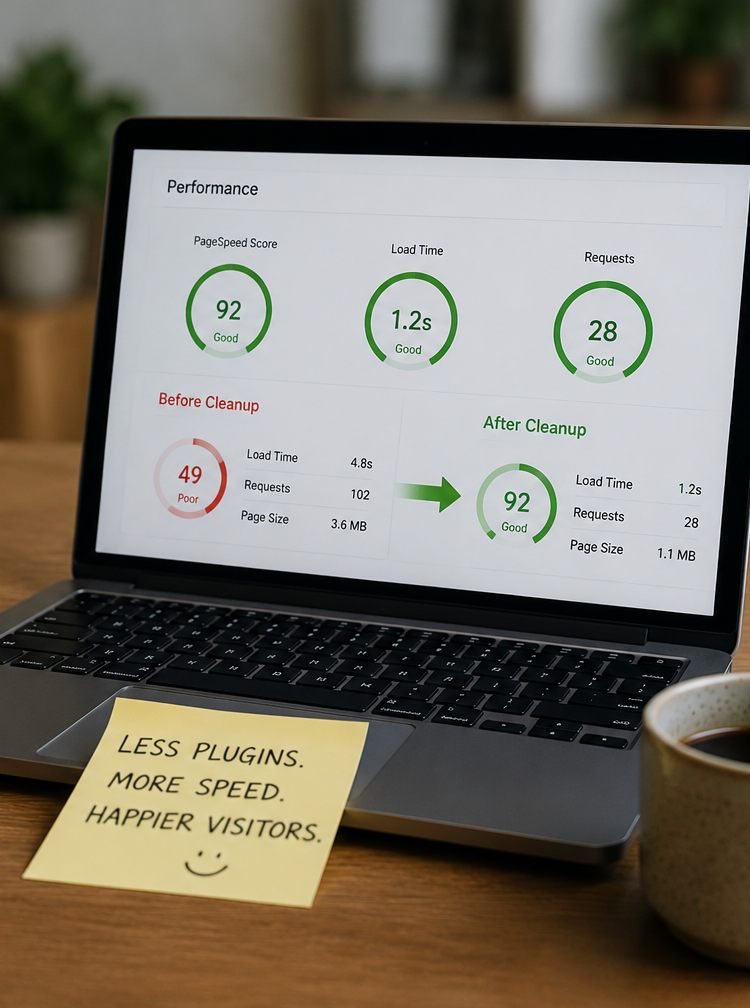
That is actually a mark of quality.
A good plugin list consists of known, necessary components with clear functions. There are no mysterious duplicates, no outdated plugins, and no feature that depends on an account belonging to a former intern.
When a plugin is updated, you know what it affects.
When a licence is renewed, you know why.
When something goes wrong, you can narrow down the problem.
It may not be the most exciting part of running a website. But stable operations are rarely exciting. They are most exciting when they are missing.
WordPress should be flexible — not fragile
Plugins are not the enemy.
Bad decisions, missing maintenance, and years of layered “let’s just install something” are the problem.
A good WordPress site can happily use many plugins if they are chosen deliberately, maintained properly, and work as one solution. But every plugin has to justify its place.
Every extra plugin comes with a price.
Sometimes the price is a subscription. Other times it is slower loading, greater security responsibility, harder updates, or more complicated debugging.
So plugins should be treated like tools in a toolbox.
You do not have to own only three tools. But if the box is full of seven almost identical screwdrivers, rusty bits, and a gadget no one has seen since 2018, more tools are not necessarily the answer.
Maybe it is time for a cleanup.
Has your WordPress site caught plugin growing pains?
I help review, clean up, and optimise WordPress and WooCommerce solutions.
That includes assessing plugins, performance, security, updates, and integrations, and the options for simplifying the solution without removing the features the business actually needs.
The goal is not to delete as many plugins as possible.
The goal is a website that is faster, clearer, and easier to trust.