
August 19, 2026
Automation & AI Integration & data
From an order in the inbox to the order system: how AI can remove manual order entry
A customer emails an order — an employee types it in. See how AI can read the email, turn it into data and create the order, with checks in the right places.
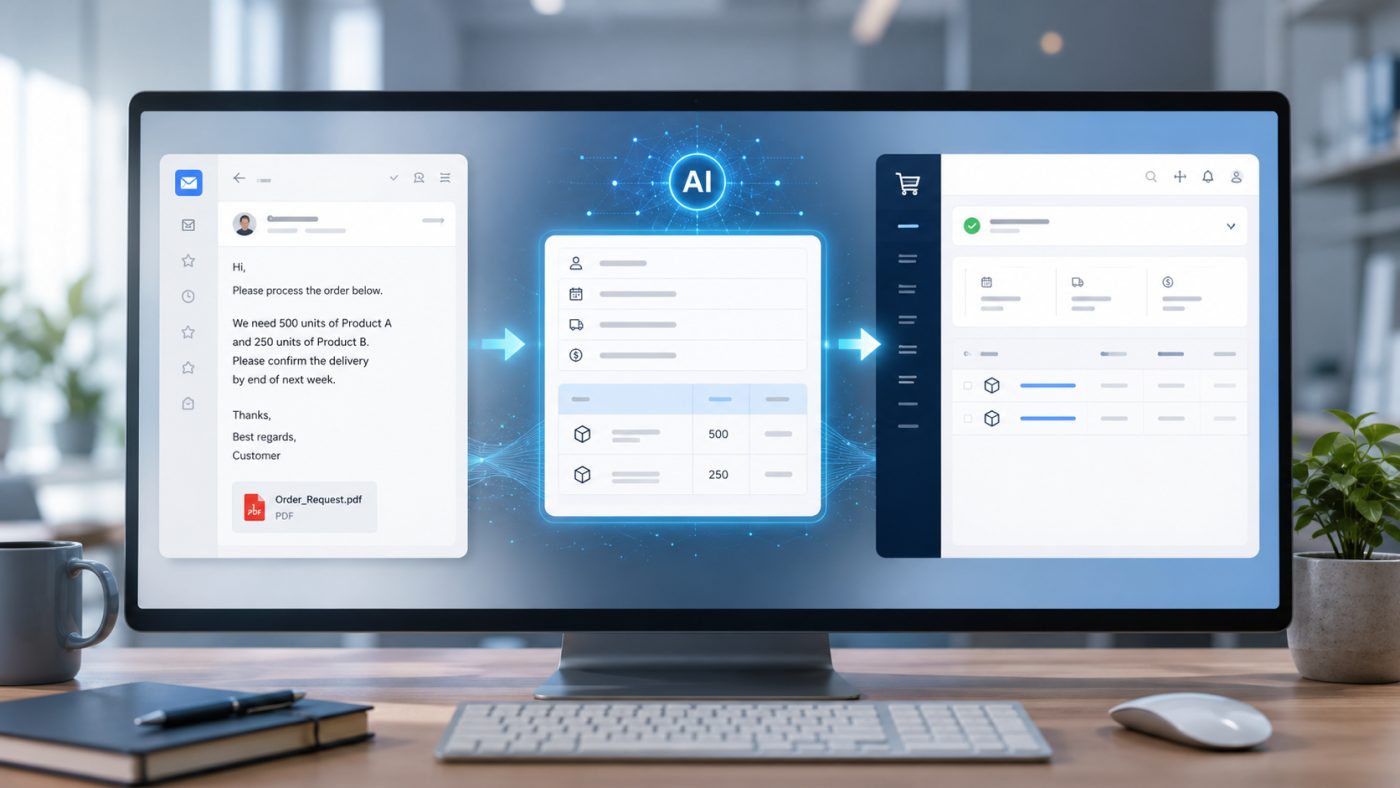
A customer sends an order by email. An employee reads it, finds item numbers and quantities, creates the customer, types in the order lines, and checks the delivery address. Ten minutes later the order is in the system.
The only problem is that there might be 30 more waiting in the inbox.
That is a very concrete example of a workflow where AI and automation can make sense. Not because AI should take over sales, talk to the customer, or make big decisions. But because someone is spending time right now translating something a human can read into something a computer system can understand.
And in many cases, that job can be automated.
The order already arrives digitally — but the work is still manual
Picture a wholesaler or manufacturing business where some of the customers order by email. One customer writes:
Email from the customer
Hi
We need 12 pcs of 43821 and 4 pcs 43827.
Please deliver to our warehouse in Odense on Thursday.
Remember our ref. PO-18432.
Best, Peter
Another sends a PDF with a purchase order. A third writes the product names instead of the item numbers. A fourth has their own template, which the company has been using since roughly the era when Internet Explorer was still a perfectly legitimate browser.
For the employee it is relatively easy to understand. But the order system typically wants something far more structured:
- Customer number
- Delivery address
- Item number
- Quantity
- Price
- Customer reference
- Requested delivery date
- Any comments
So a digital document paradoxically becomes a manual task. The email arrives digitally. The order ends up digital. But in between sits a human being, acting as the integration.
This is where AI can be the link between the email and the order system
A classic integration works best when the data is already structured. If the customer sends an order through a webshop, EDI, an API, or a fixed data file, you do not necessarily need AI. Then the systems can often be connected directly with an ordinary integration.
Email is different. People write differently. We write “12 pcs”, “12x”, “a dozen”, or maybe just: send me 12 of the ones we usually get.
There may be an attached PDF. A signature. An old email thread. A customer number in the subject line. A delivery address at the bottom of the message and a billing address in the signature.
That gap is exactly where AI gets interesting. The AI can analyse the email and any relevant attachments and turn the information into a fixed, structured format.
| What the customer writes | What the order system needs |
|---|---|
| “12 pcs of 43821” | Item number 43821, quantity 12 |
| “Remember our ref. PO-18432” | Customer reference: PO-18432 |
| “our warehouse in Odense” | Delivery address looked up in the customer record |
| “on Thursday” | Requested delivery date as a specific date |
| “Best, Peter” + email address | Customer number, resolved from sender and company |
| “the same blue model as last time” | Cannot be resolved unambiguously — sent for review |
Now the text is no longer just an email. Now there is data. And data is something you can work with.
Technical detail
In practice, a “fixed, structured format” is typically a JSON object with exactly the fields the order system expects. The point is not the format itself, but that every field can now be validated, logged, and passed on through an API — unlike a sentence in an email.
Peter's email could be turned into something along these lines:
{
  "customer": "Eksempel Industri ApS",
  "customer_reference": "PO-18432",
  "delivery_date": "2026-08-27",
  "delivery_city": "Odense",
  "order_lines": [
    { "item_number": "43821", "quantity": 12 },
    { "item_number": "43827", "quantity": 4 }
  ]
}
But AI should not simply be allowed to press the big green button
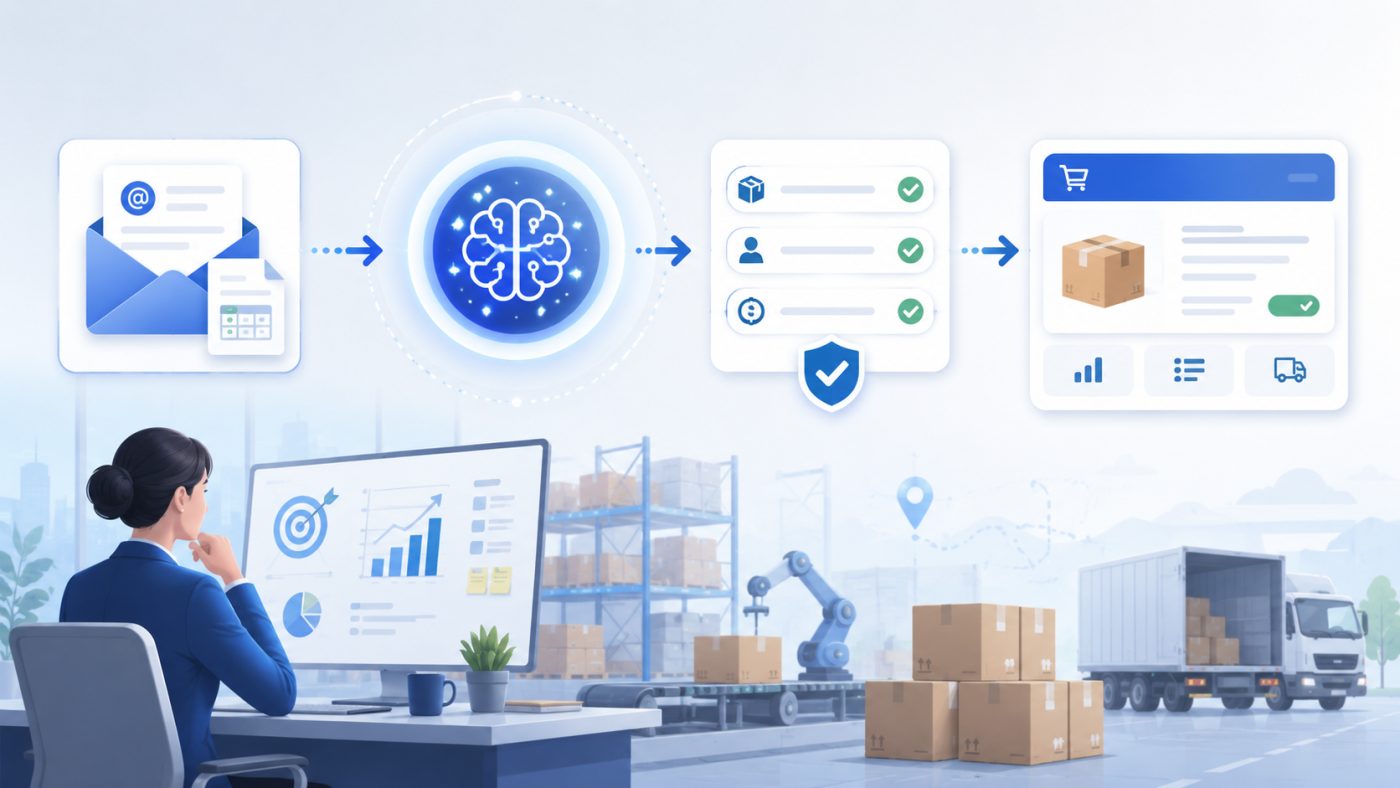
This is where I find automation interesting. Because the task is not simply:
Email → AI → order created.
That would be delightfully simple. It would also be an excellent way to discover how creative customers can be with item numbers and delivery instructions.
A more realistic flow could be:
- A new email lands in the company's order inbox.
- The system identifies whether the email probably contains an order, and passes the relevant ones on for processing.
- The AI extracts customer, reference, products, quantities, delivery details, and other relevant data.
- The details are validated against the company's own systems: Does the customer exist? Does the item number exist? Is the product active? Are mandatory fields missing?
- If the data passes the checks, the order is created automatically or as a draft in the order system.
- If anything is uncertain, the order goes to an employee with the relevant fields highlighted for review.
That last point matters. A good automation does not have to automate 100 per cent of the process to create value.
If the system can handle 80 per cent of the work and present the remaining 20 per cent in a way that takes the employee 30 seconds to check, it can still be a significant improvement.
What if the customer writes it “wrong”?
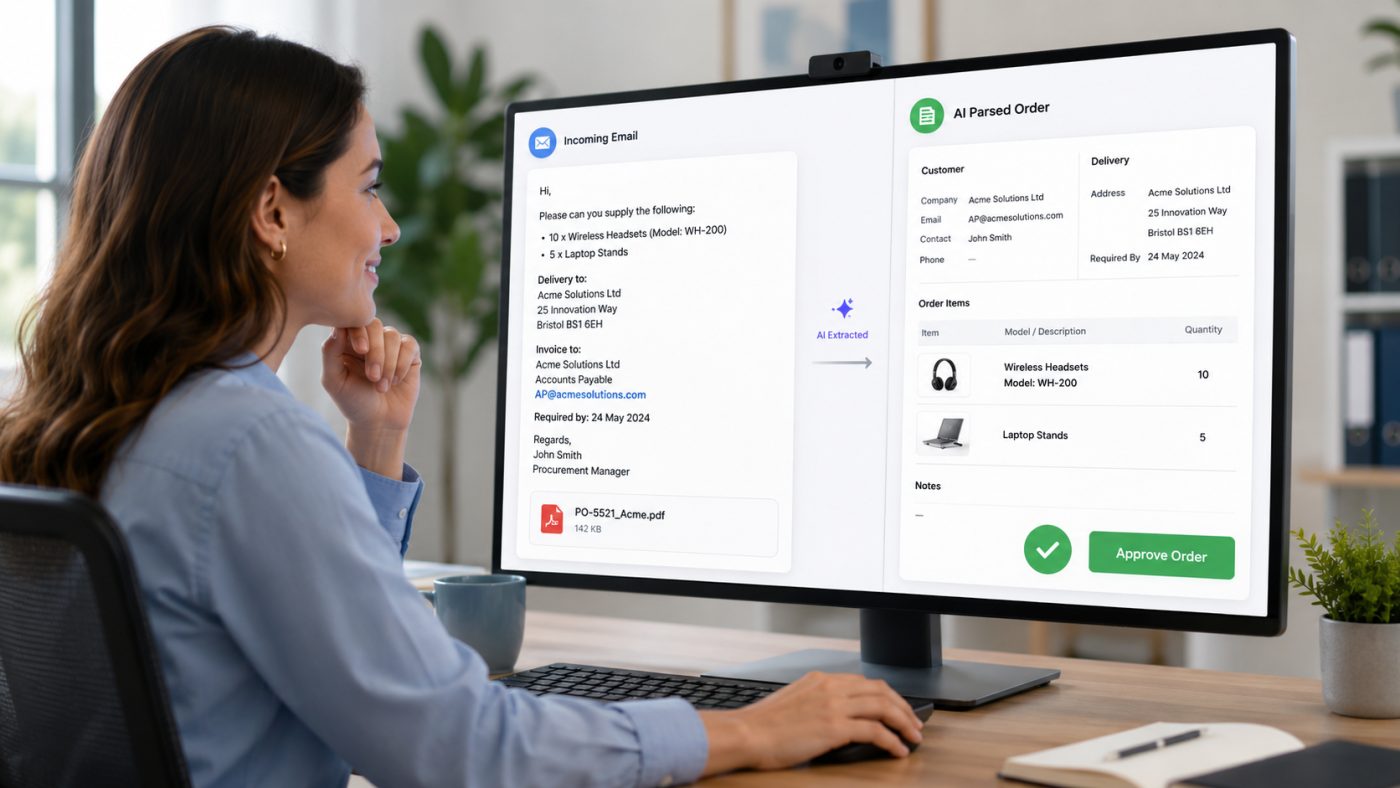
That is also one of the advantages of using AI on precisely this part of the process.
An ordinary rule-based import can be fantastic, as long as the input looks exactly the way we expect. Column A is the item number. Column B is the quantity. Column C is the price. Fine.
But people have an annoying habit of not always communicating like CSV files. A customer might write: We need 20 of the same blue model as last time.
AI can help identify the intent and find the information that is already available. But that does not mean the system should automatically guess its way to an order.
If “the blue model” could be three different products, the automation has to stop. It can flag it instead: Product cannot be identified unambiguously. Requires review.
So what is interesting is not only what the system can automate. It is at least as important to define when it should not:
- When the product cannot be identified unambiguously.
- When the customer cannot be matched to a customer number.
- When the quantity or unit is ambiguous.
- When the delivery address is not in the customer record.
- When a product has been discontinued or blocked.
- When the order deviates significantly from the customer's normal pattern.
An automation that knows when not to act is far more useful than one that always does something.
AI is only one part of the solution
It is tempting to call the whole solution an “AI automation”. But the AI actually only performs one specific task: it interprets the unstructured content.
The rest is more traditional software development and integration between the systems:
- The email has to be fetched from Microsoft 365, Gmail, or another mail account.
- The customer has to be looked up in the ERP system.
- The products have to be validated.
- The order has to be created through an API.
- Errors have to be logged so they can be investigated afterwards.
- An employee has to be able to see what happened, and why.
- And the system has to know what to do if the order system is unavailable at 09:17 on a Tuesday morning.
So the AI is not necessarily the main character. It is simply the component that makes it possible to automate a process that used to be hard to automate, because the input was not uniform.
In my opinion that is also where AI becomes most interesting in a business. Not when we try to push AI in everywhere. But when the technology can remove a specific barrier in an existing workflow.
Do you have a workflow where someone types emails into a system?
I map the workflow, work out how much can realistically be automated, and build the integration — with checks in the places where the data is not certain enough.
What does the business get out of it?
The obvious gain is of course time. If an employee spends five minutes processing an email order, that does not sound dramatic. But at 40 orders a day it is more than three hours of work. Every day.
On top of that there is the risk of the small errors that come with manual data entry:
- A wrong item number.
- A forgotten reference field.
- 12 that becomes 21.
- A delivery address picked up from the wrong part of the email thread.
Automation does not remove the need for checks and good processes. But it can shift the employee's role from “read everything and type everything” to “check what the system is not sure about itself”.
That is a significant difference.
It does not have to be orders
The same principle can be used in many other places. The decisive pattern is:
Unstructured information comes in → a human interprets it → the details are typed in a structured form into another system.
It could be customer enquiries, quote requests, support emails, supplier confirmations, freight information, documents, or internal requisitions.
Every time a human being sits there acting as a translator between an email and an IT system, it is worth asking: do we really need to do all of that part manually?
The answer is not always no. But the question is worth asking.
Start with the workflow — not with AI
I would not start a project like this with the question: “How do we get AI into our order processing?”
I would start with: “How do you process an order today?”
- Where does it come from?
- Who reads it?
- What is the employee looking for?
- Which details have to be checked?
- Where are they typed in?
- What exceptions exist?
- And which errors would be critical?
Only once the workflow is understood does it make sense to decide how much can be automated, where AI might be used, and where a human should still be involved.
Some businesses will be able to automate almost the entire process. Others will get the most value from the system simply reading the order, filling in a draft, and letting an employee approve it. Both can be a good solution.
The goal is not as many AI features as possible. The goal is less unnecessary work and a process you actually dare to trust.
Do you have a workflow that still starts with “then we read the email and type it in”?
Then it is probably worth a closer look.
I help businesses analyse workflows and build integrations and automations where systems, data, and AI are used where they genuinely make sense. If you want to see the principle at a smaller scale first, I have also written about how automation saves manual work and about integration between a webshop and an accounting system.
It does not have to start with a big project. Sometimes it starts with the one annoying process that someone has done manually for so long that nobody asks why any more.
Find out what can be automated in your business
I review the process, assess where AI and integration actually move the needle, and give you a concrete proposal for what can be built — and what should stay manual.
Leave a comment
Got an experience, a counter-argument or a question? Do join in. Your email address will not be published.